B2B R&D · Robot teaching assistant for children with autism
seNAO
seNAO (Special Education with NAO) turns a NAO humanoid robot into a teaching assistant for children with autism. The teacher runs a simple app; the robot plays rhymes, asks questions, checks the letter a child holds up with its camera and cheers when the answer is right. The child sees, hears and touches each letter at the same time.
- For
- Special-needs schools, teachers and therapists
- Status
- Research
- Built by
- B2B R&D, B2B Solver Limited
36
lessons, A to Z and 0 to 9
3
questions in every exercise
3
senses at once: sight, sound, touch
6
platforms for the teacher's app
Why it exists
Children with autism learn best one step at a time, with a lot of repetition.
Many children with autism also live with ADHD or dyslexia, which makes first letters and numbers slow to learn. They need structured, repeated, one-to-one teaching, often one instructor per child. A humanoid robot holds their attention like a playful companion, yet robots are rarely used in special-needs classrooms.
- Robots are costly and hard for teachers to operate.
- They offer only a few activities.
- Each robot tends to need its own software.
- seNAO puts the robot in the teacher's hands through one app that runs on the devices a school already has.
The method
Sight, sound and touch, at the same time.
Special-needs classrooms use simultaneous multi-sensory instruction: a child learns a letter faster when eyes, ears and hands work on it together. seNAO builds every lesson around it.
- 01
Sight
Two pictures and two rhyme videos for each letter or number, on a screen or projector.
- 02
Sound
NAO talks the child through the lesson and plays the rhyme through its own speakers.
- 03
Touch
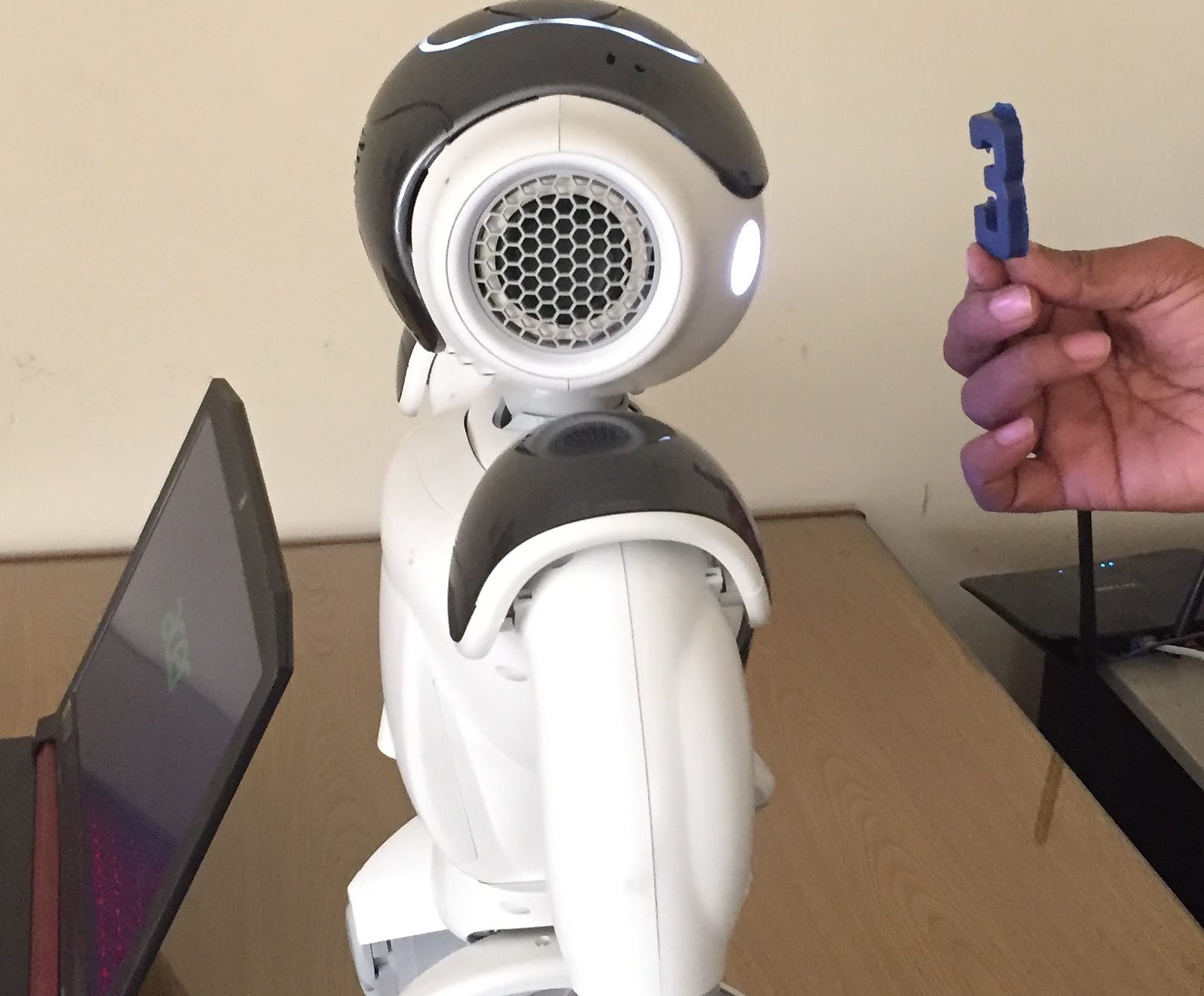
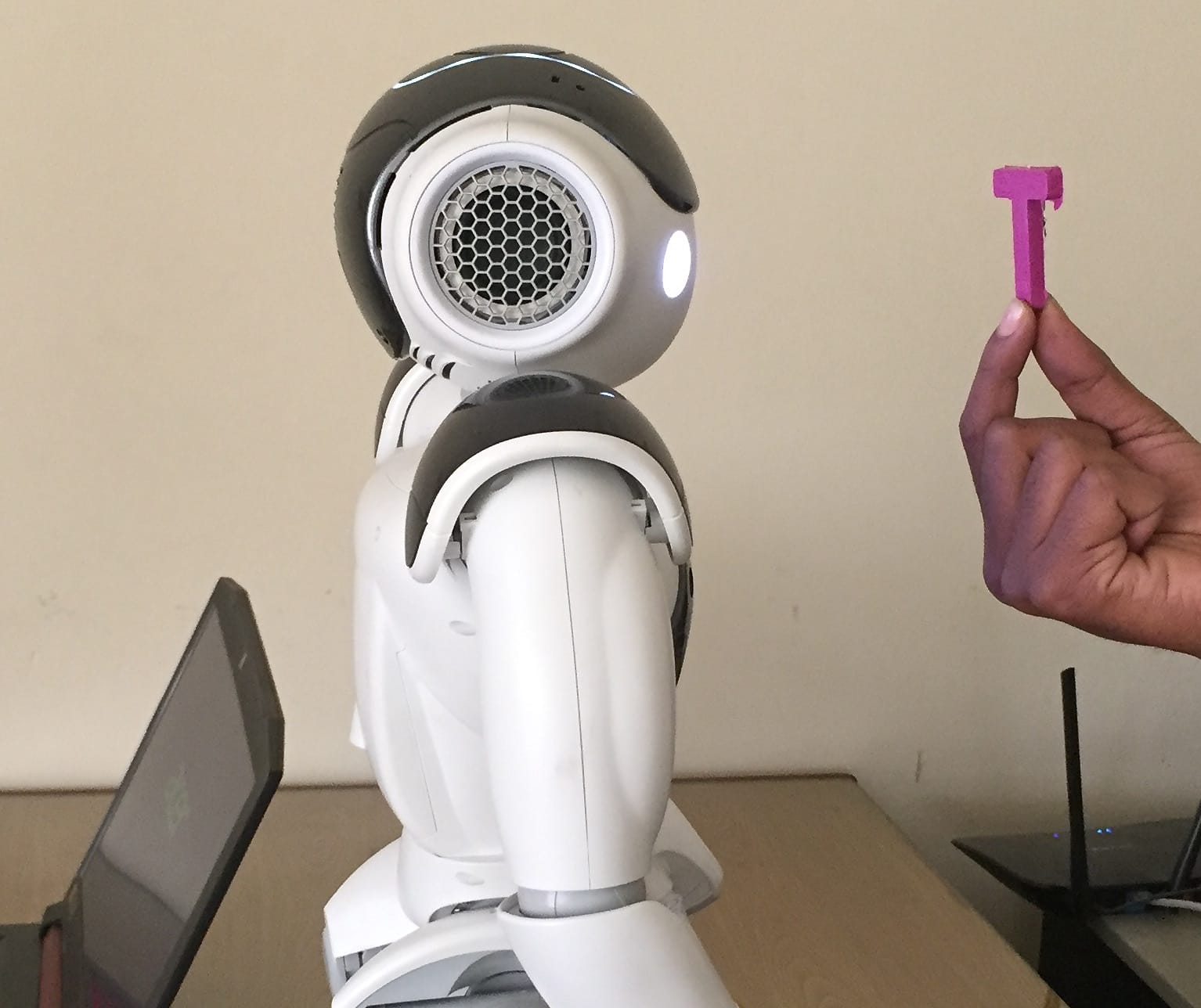
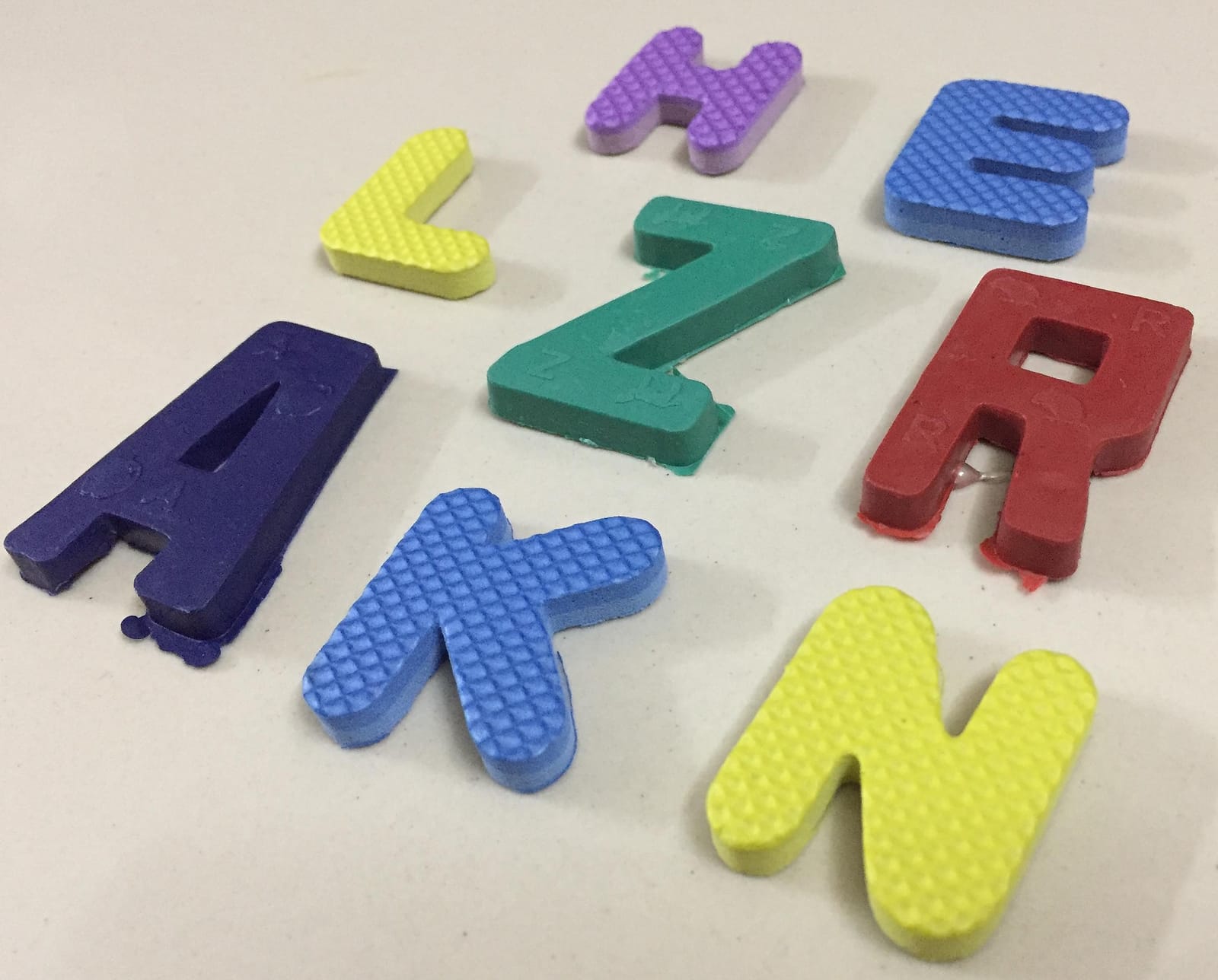
The child holds a plastic or sticker letter, a flashcard or an alphabet-carpet tile while NAO speaks.
A session
How a lesson runs.
Step 1
Lesson
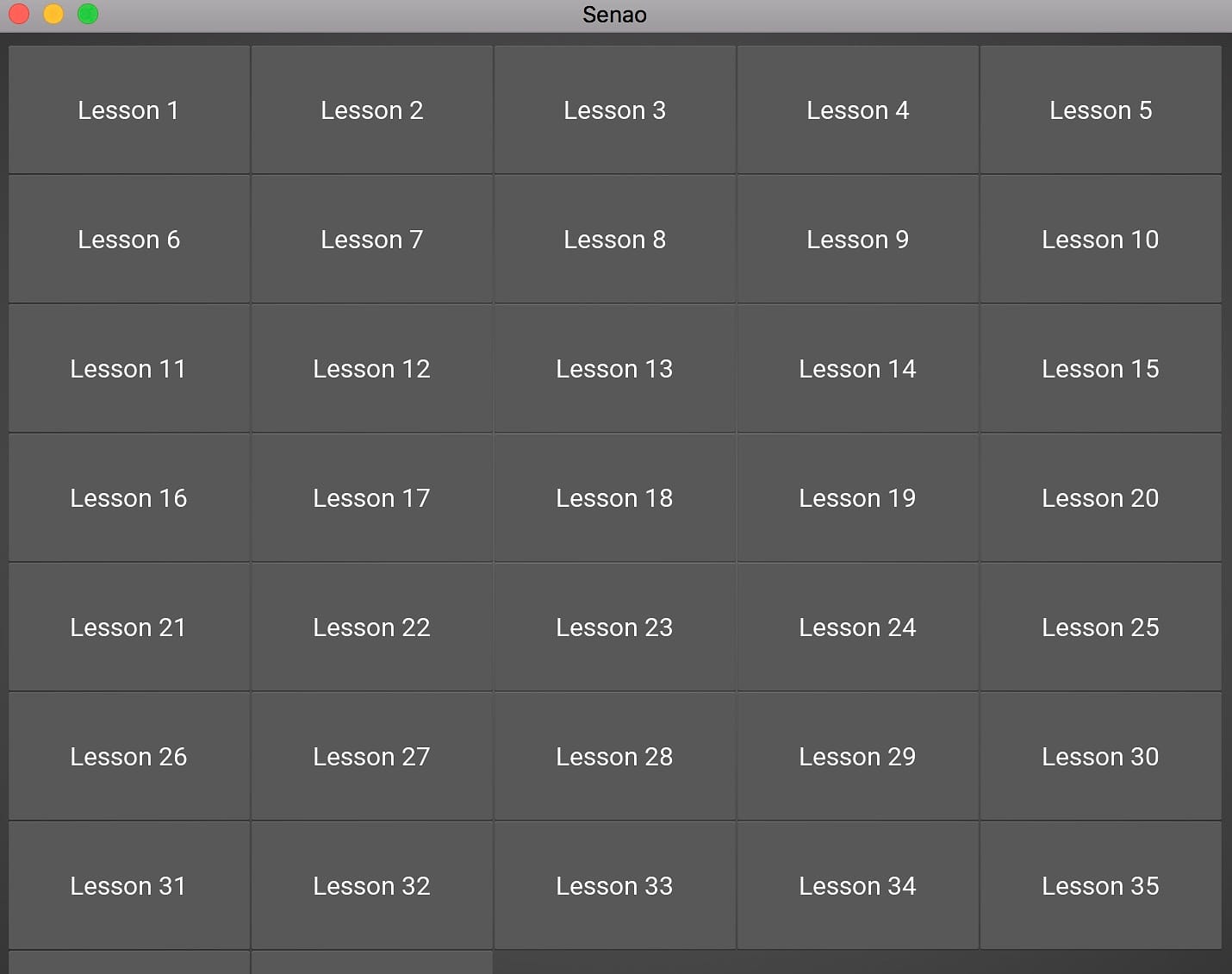
The teacher opens one of 36 lessons. NAO introduces the letter or number with pictures, rhymes and videos.
Step 2
Exercise
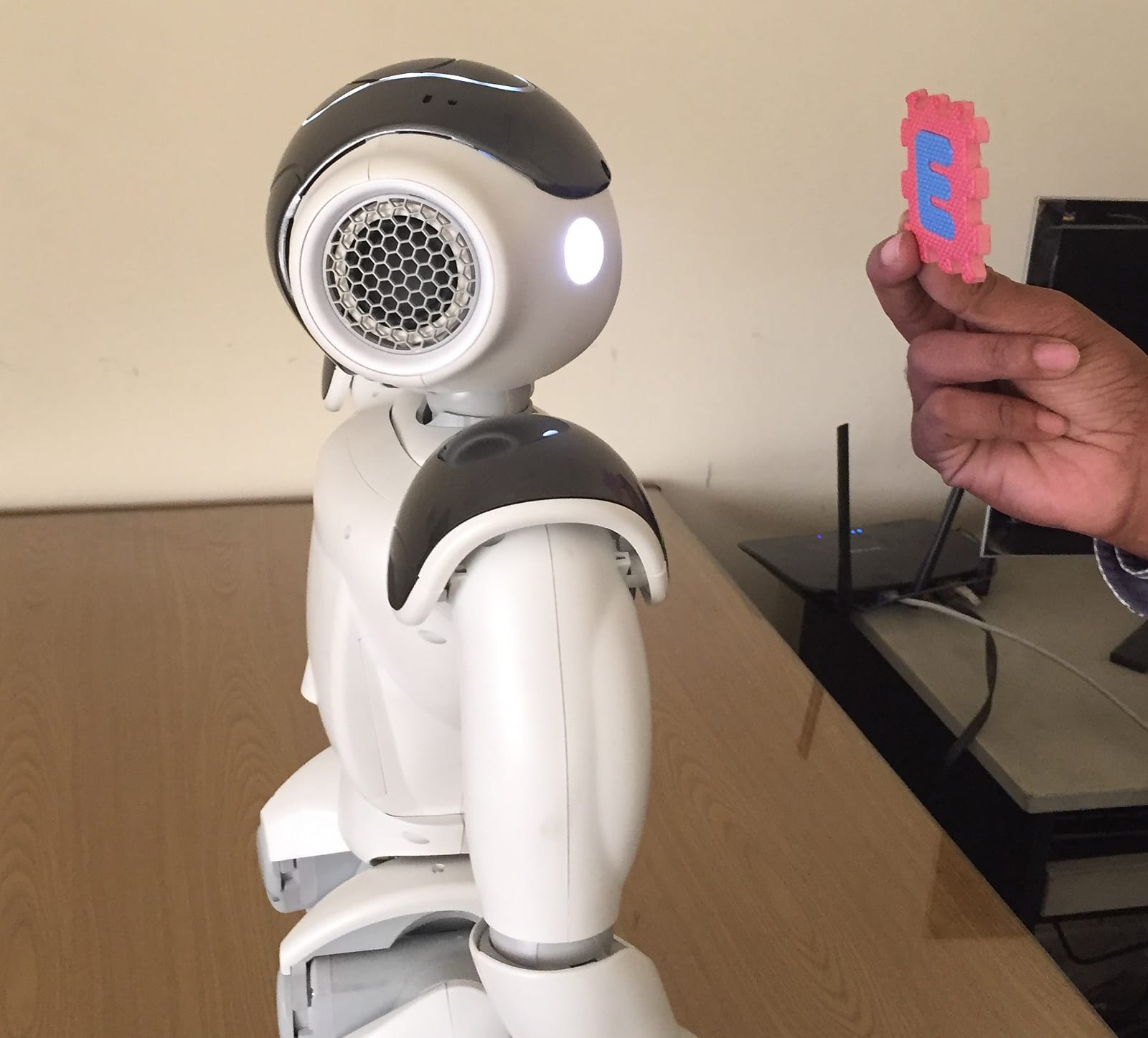
NAO asks three questions: “Touch A”, “Touch the one that is not A” and “Show me A”, where the child holds the letter up to its camera.
Step 3
Feedback
A right answer earns a clap, a dance and cheerful music. A wrong one gets a head shake, a finger wag and a softer tone.
Step 4
Repeat or move on
The lesson repeats until the child passes. The number of repetitions starts from the child's ADHD profile (CSI-4 checklist), then follows progress.
What it does
Talk 2 NAO
A conversation model trained on real teacher–child exchanges from a special-needs school in Dhaka. NAO greets, answers questions about lessons and itself, and takes voice commands.
Sees letters and numbers
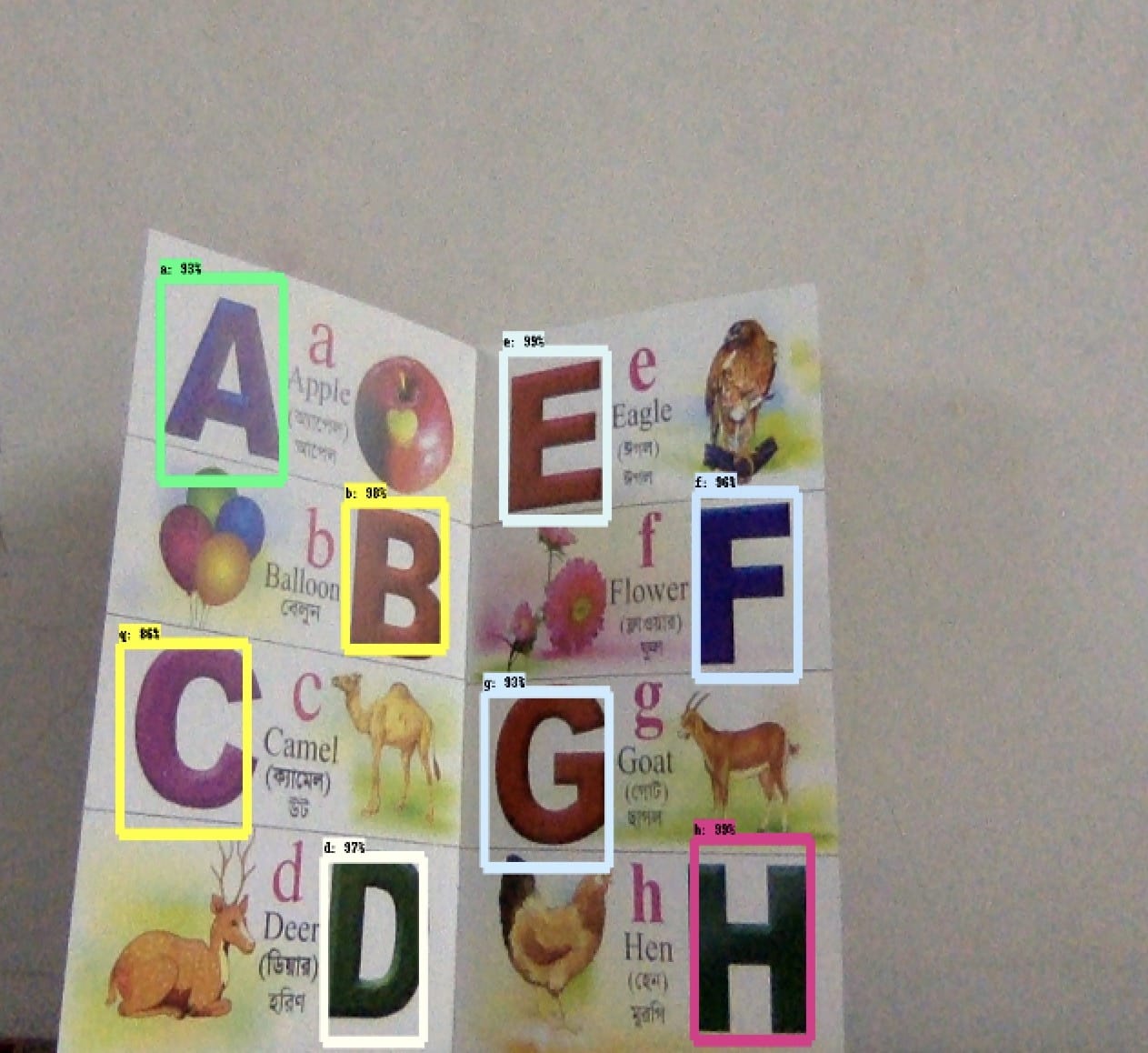
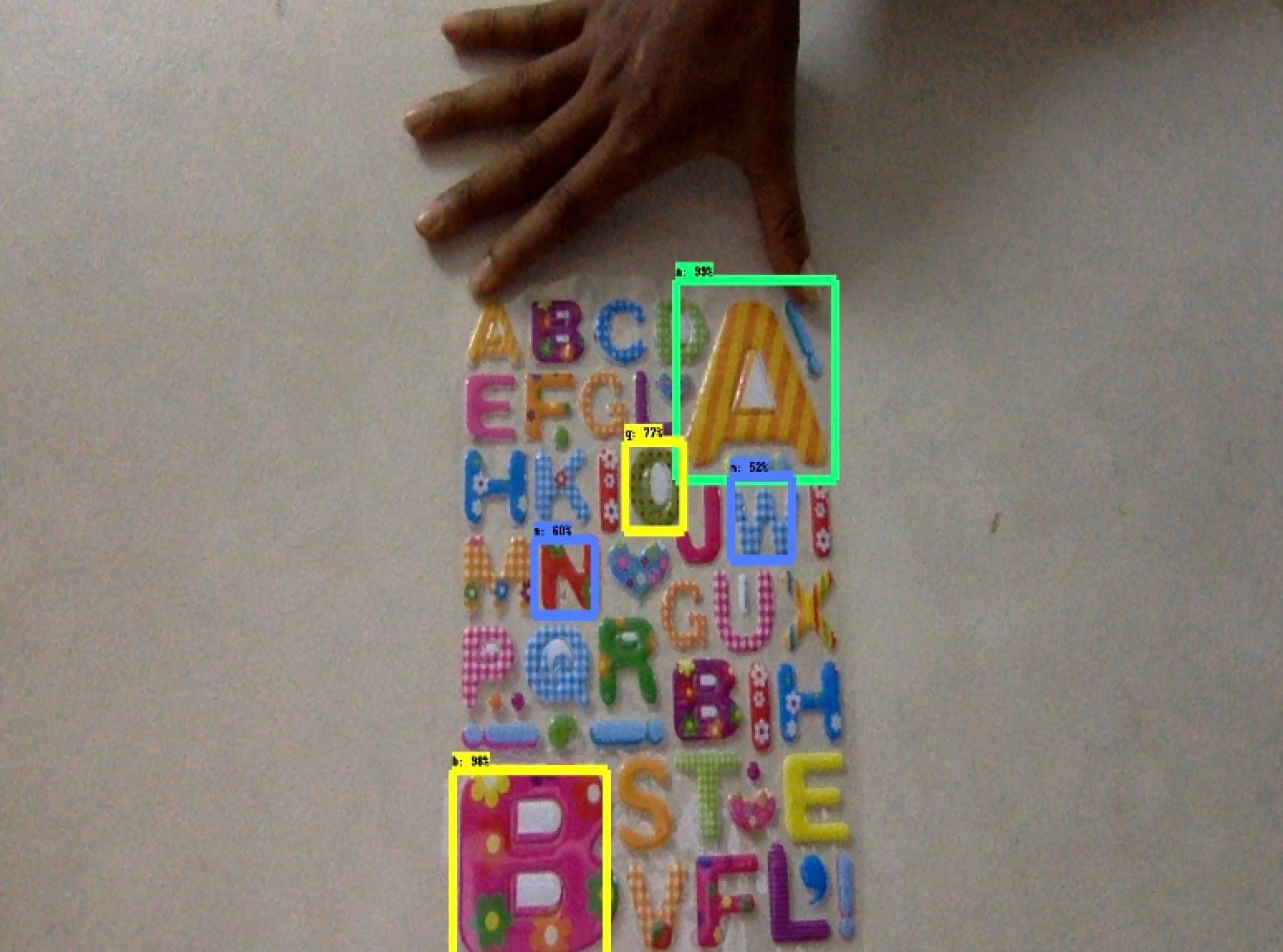
A camera model recognises all 26 letters and 10 digits on the materials teachers already use: books, picture books, plastic letters, stickers, flashcards and alphabet carpets.
Robot behaviours
A small robot API makes NAO speak, play audio, sit, stand, clap and dance, and react to right and wrong answers.
36 lessons, 36 exercises
One lesson and one exercise for each letter and number. Teachers can add more pictures and videos to any lesson.
Paced for each child
Lessons repeat until the child passes, starting from the child's ADHD profile, so no new letter comes before the last one sticks.
Runs anywhere
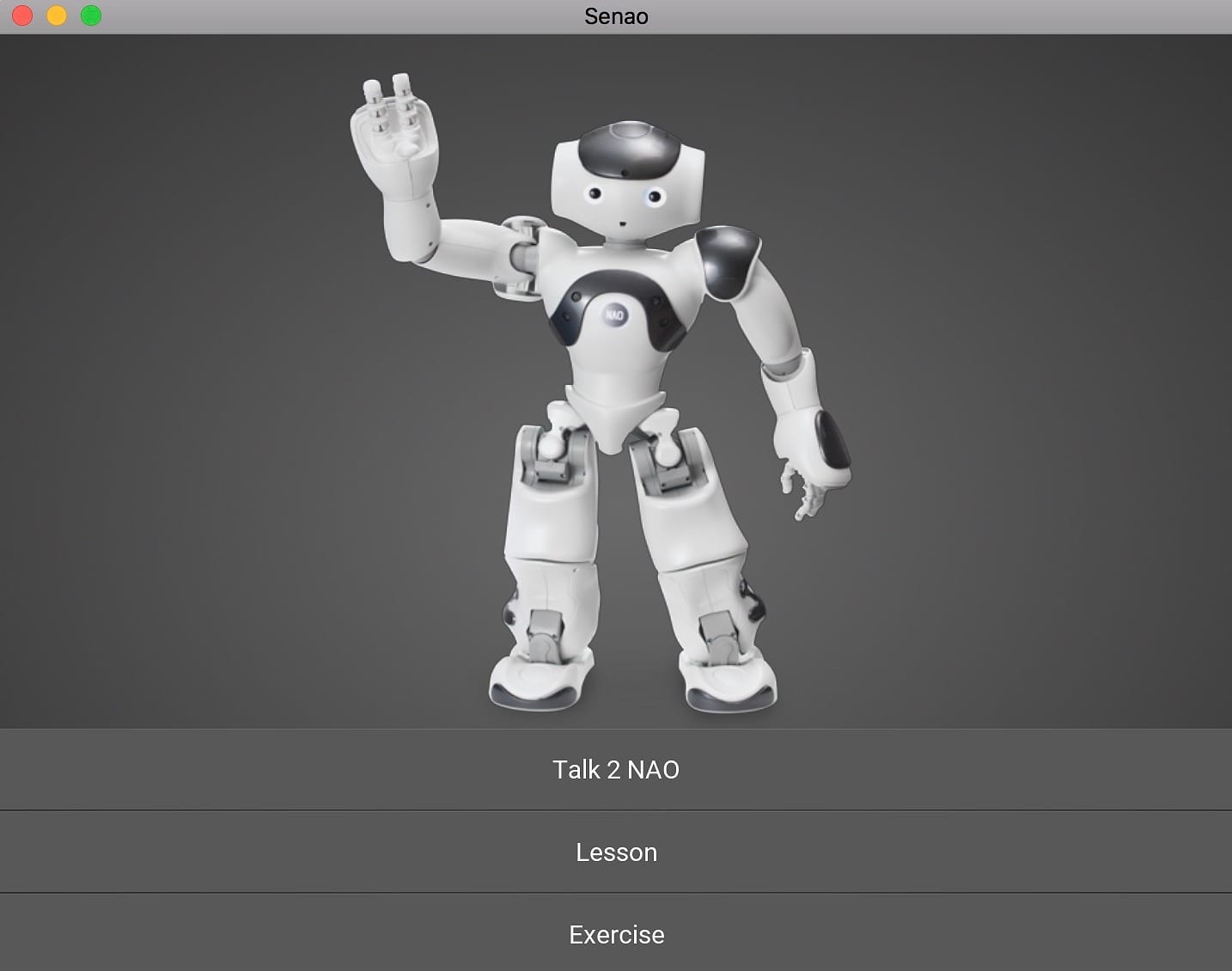
The teacher's app runs on Windows, macOS, Linux, Android, iOS and Raspberry Pi, and connects to the robot over the network.
Built with
 Python
 TensorFlow
 Keras
 Google Cloud
 Android
 Raspberry Pi
Technology
Inside
How it works.
The teacher's app is the control room. It hears, sees and takes touch input, sends each request to the right model and makes the robot answer.
In
Microphone
Speech is turned into text with Google Speech-to-Text, then into a reply or a command.
NAO's camera
A photo of the card or letter the child holds up goes to the letter and number model.
Touch screen
The child taps an answer in the exercise on a tablet, phone or laptop.
Core
seNAO controller
Routes each request to the conversation model, the vision model or the robot API, all running together.
Out
Speech
NAO speaks through the loudspeakers in its ears.
Pictures and video
Lesson pictures, rhymes and videos on a screen or projector.
Movement
Sit, stand, clap, dance, head and finger moves, and eye lights.
In the room
seNAO at work.
Roadmap
What comes next.
seNAO is in research. These are the next steps before a classroom pilot.
- 01Recognise each child, with consent, so NAO can follow every child's history and adapt the lesson to them.
- 02Read smaller letters and cards from further away.
- 03Understand more classroom conversation and keep track of context across a longer exchange.
- 04Give NAO more behaviours for a full classroom day.
Questions
Questions about seNAO.
Does seNAO replace the teacher?
No. The teacher runs the app and stays in the room. NAO is a teaching aid: it holds the child's attention and takes on the repetition, while the teacher decides what to teach and when to move on.
Which children is it for?
Early learners with autism who need some support (level 1), especially those who also have ADHD or dyslexia, at the stage of learning their first letters and numbers.
What does it teach?
English letters A to Z and numbers 0 to 9: 36 lessons, each followed by an exercise of three questions. Teachers can add more pictures and videos to any lesson.
Which robot does it need?
A NAO humanoid robot from SoftBank Robotics (formerly Aldebaran). seNAO controls it through NAO's own NAOqi framework and connects to it over the network.
Does the robot recognise or identify children?
No. The camera is used to read the letter or number a child holds up during an exercise, not to identify the child. Recognising individual children, with consent, is on the roadmap.
What technology does seNAO use?
Python, with a Kivy cross-platform app built on the model–view–controller pattern, NAO's NAOqi framework, a TensorFlow Faster R-CNN (Inception v2) model trained on 1,800 photos of classroom letters and numbers, a TFLearn and NLTK conversation model, and Google Speech-to-Text.
Is seNAO available to schools?
seNAO is a research product of B2B R&D. Contact us if you would like to pilot it with a school or therapy centre.
Next step
Let’s solve it together.
Describe the problem in a few lines. We agree a short call before we propose anything.
- 01You describe the problem in a few lines.
- 02We reply with questions within one business day.
- 03We agree a short call before any proposal.
- [email protected]
- Phone
- +880 1819 691 281
- B2B Solver on LinkedIn
- Head office
- Suite B1, 60, Road 9/A, Dhanmondi, Dhaka 1209